Demodesk, everywhere you sell
Record every call, get AI notes, and keep your CRM clean. On your phone, desktop, browser, and in any AI.
Record meetings anywhere
Record any in-person meeting. AI writes the transcript, summary, and follow-up, and updates your CRM before you reach the car.
- Transcription in 98 languages, with speaker ID
- Summaries, follow-ups, and CRM sync for Salesforce, HubSpot, and Pipedrive
- Instant coaching on talk time and objection handling



Skip the notetaker
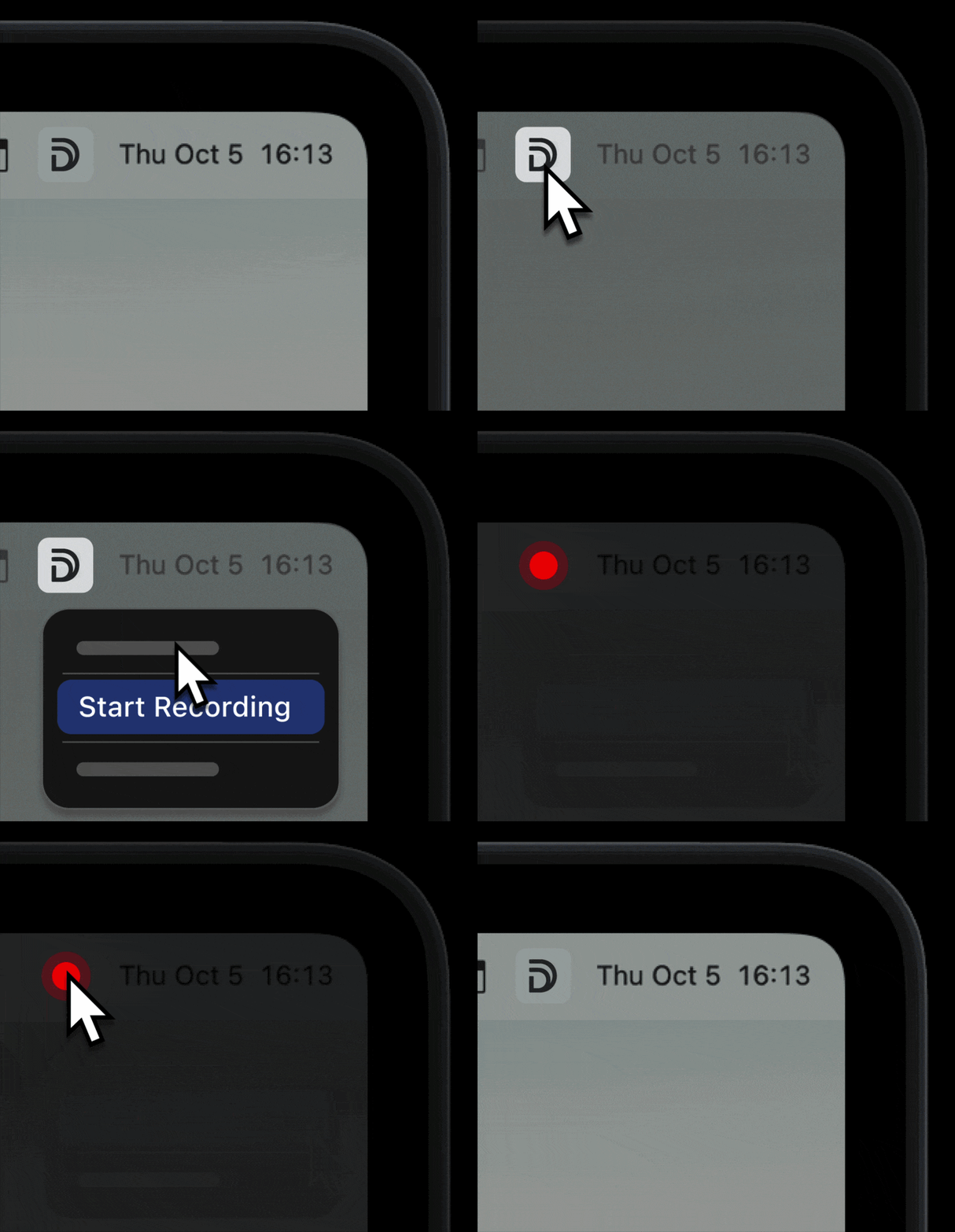
One click records Zoom, Teams, Meet, or any meeting app. Transcripts and summaries sync to Demodesk automatically.


Chrome extension
Your command center in the toolbar. Start recording, ask the AI Analyst about any call, and drop a booking link into any tab — without leaving the page.
- Hit record on any Google Meet
- Ask the AI Analyst anywhere: what happened on a call, next steps, deal risks
- Grab any booking link and paste it straight into your email or chat
 Add to Chrome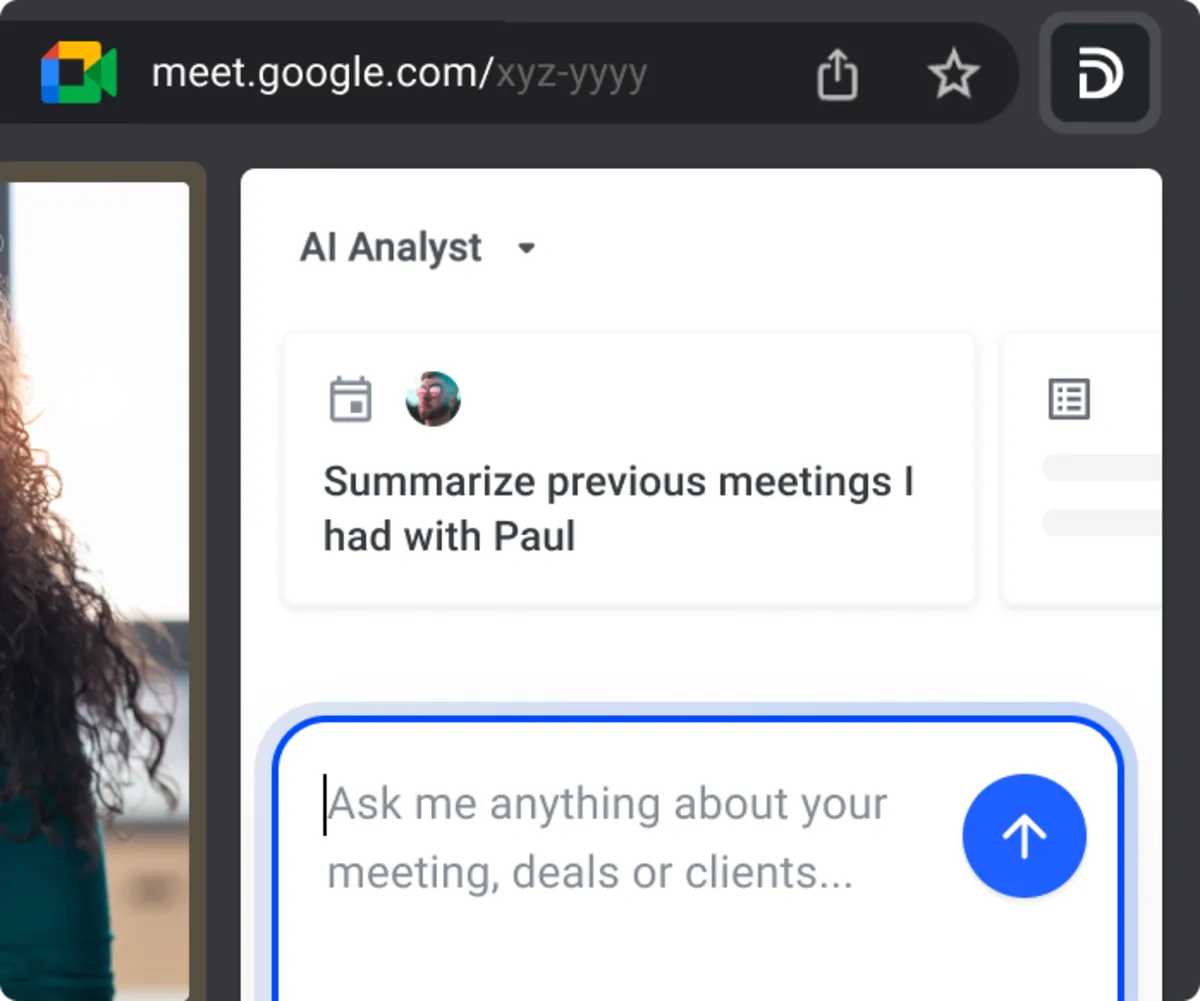
Your sales conversations, in any AI
Every recording, transcript, summary, and scorecard, in ChatGPT, Claude, and any MCP client. Plain English in, structured answers out.
Read-only · OAuth · ISO 27001:2022 · EU-only data in Frankfurt


Any MCP client
Works with Cursor, VS Code, Copilot, Gemini, Langdock, and more. Setup guides